 Before
 After
AfterRemove · Replace
Background swap
Drop a subject onto any backdrop — studio white, beach at golden hour, your brand color. Edges and shadows stay coherent.
Place on a clean white studio background with soft top light
Upload a photo, type what you want different, get a new image in seconds. No selections, no masks, no Photoshop. Tell the model what to add, remove, replace, or refine — in plain English.


The Edit mode handles the operations that used to live in twelve different Photoshop panels — described instead of clicked.
BeforeAfterDrop a subject onto any backdrop — studio white, beach at golden hour, your brand color. Edges and shadows stay coherent.
 Before
 After
AfterAdd anything — a coffee cup on the desk, sunglasses on a face, snow on a roof. The model handles perspective and lighting.
 Before
 After
AfterTourists, power lines, that ex in the corner — point them out and they're gone. The model rebuilds what's underneath.
 Before
 After
AfterSame composition, new mood. Make it cinematic, illustrated, monochrome, vintage film, Wes-Anderson-pastel — whatever the brief asks for.
 Before
 After
AfterSkin smoothing, blemish removal, color correction, exposure rescue — non-destructive, never plastic, always optional.
 Before
 After
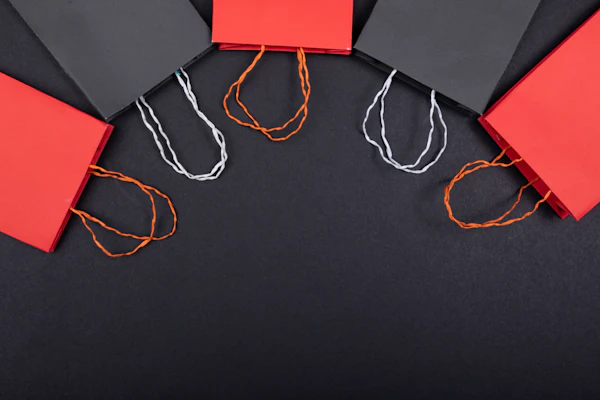
AfterTurn portrait into landscape, fill in cropped edges, or zoom out for more headroom. The model invents what was never photographed.
 Before
 After
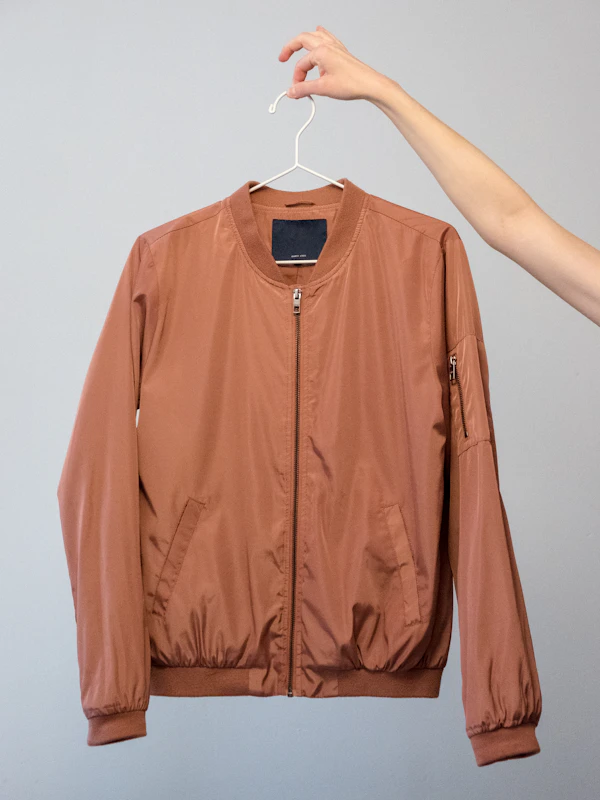
AfterMake the red car blue. Make the cotton shirt silk. Make the matte wall glossy. Single objects or the whole scene.
 BeforeAfter
Take a small or blurry source up to 4K with restored detail. Good for old phone snaps, scanned prints, or pulling stills from video.
 BeforeAfter
Layer on real, readable text — labels, signage, posters, packaging. Font matches the scene's perspective and lighting.
No tutorials, no onboarding. If you can describe what you want, you already know how to use Edit.
Drag, paste, or pick from your history. JPEG, PNG, WebP, HEIC — anything up to 25MB.
One sentence is plenty. "Remove the cars," "make it golden hour," "add a coffee cup."
Four versions arrive in ~3 seconds. Pick one to keep or re-roll if none land.
Export PNG / JPEG / WebP at full resolution, or keep refining with follow-up prompts.
Pick an example below to swap the prompt and preview the kind of result Edit produces.
Click a preset to see the prompt and the result side by side.


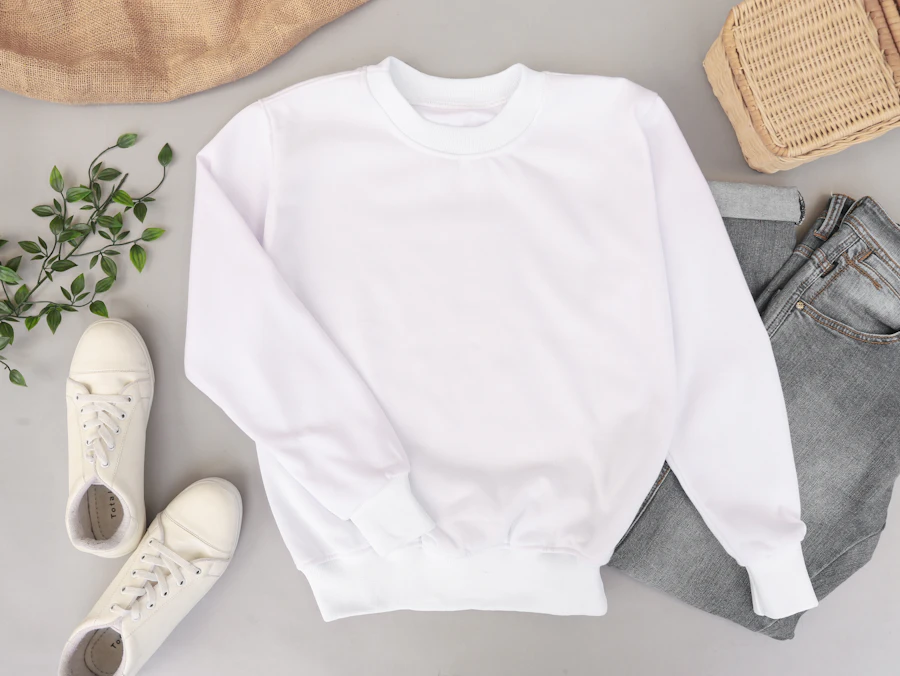

A small selection of work produced by ImageCraft users this week, used here with permission.


The model reads English like a colleague reads a brief. Specific is better than poetic. Concrete is better than clever.
JPEG, PNG, WebP, HEIC, and most other common image formats, up to 25MB. RAW files aren't supported directly — export to JPEG first.
Up to 4096×4096 pixels. Aspect ratio is preserved from your source unless you ask for outpainting or a crop change.
No. We never use uploaded images or prompts to train AI models — ours or anyone else's. Details in the Privacy Policy.
Yes — for photos you own or have permission for, like your own portraits, family photos, or client work. Deepfakes of public figures without consent are not allowed.
1 credit per generated image. You get 4 variations per prompt, so a typical edit costs 4 credits. See the full breakdown on Pricing.
Refine your prompt and re-roll, or try a different variation. If the model failed for a technical reason, credits aren't consumed — see the Refund Policy.
Upload it. Type one sentence. See what the model does.
Start from a blank canvas. Type what you want, get an image — no upload required.